From the bay
Choosing a Tesla magnetic phone mount
Teslas have no traditional air vents to clip a phone to, so the usual car mounts do not work well. Here is how to choose a magnetic phone mount for a Model Y or Model 3.
Three ways to mount
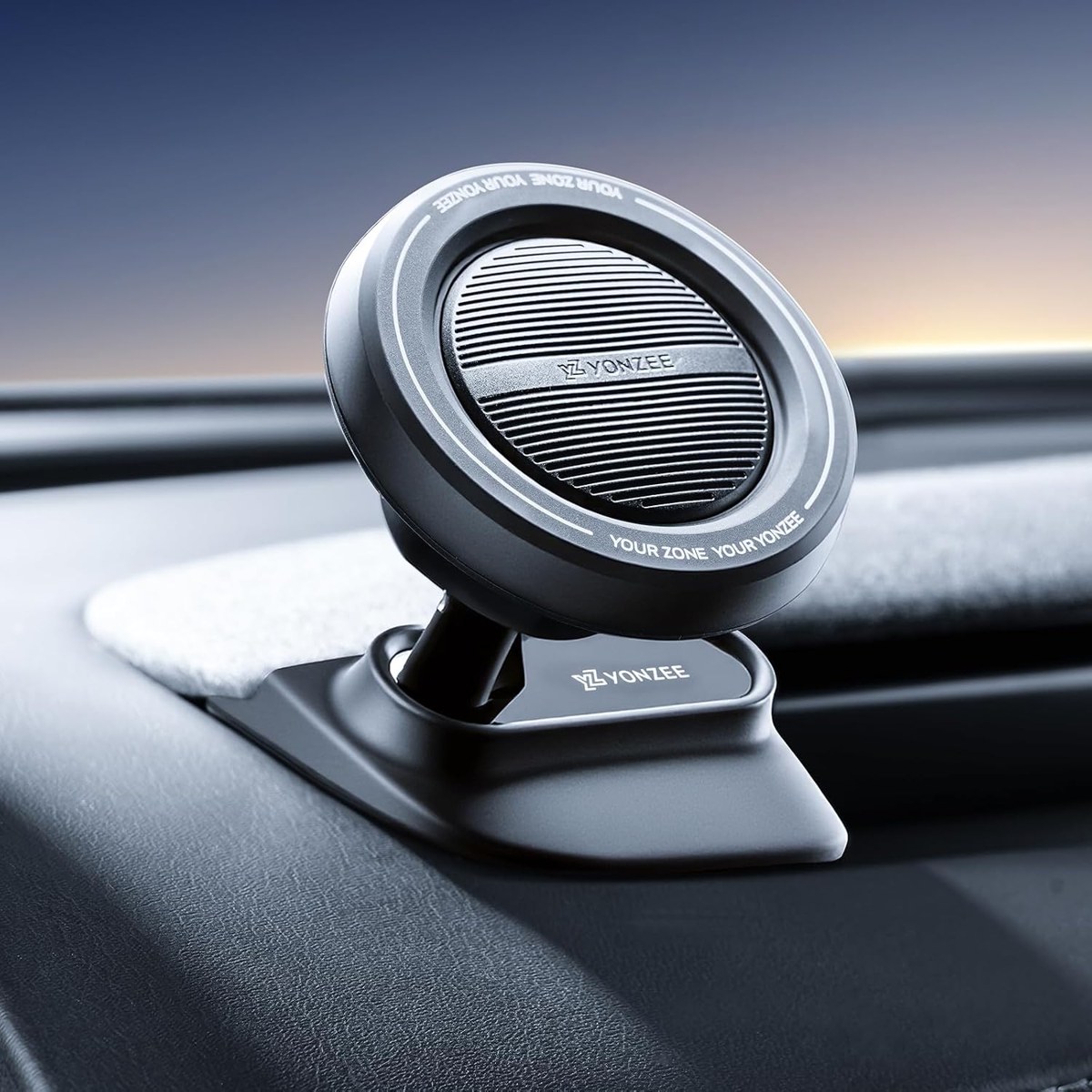
- Dashboard mount: sits on the dash contour, low in your line of sight.
- Screen-edge mount: clips beside the center screen, next to the map.
- Hidden 360° mount: tucks into the dashboard edge with a ball joint.
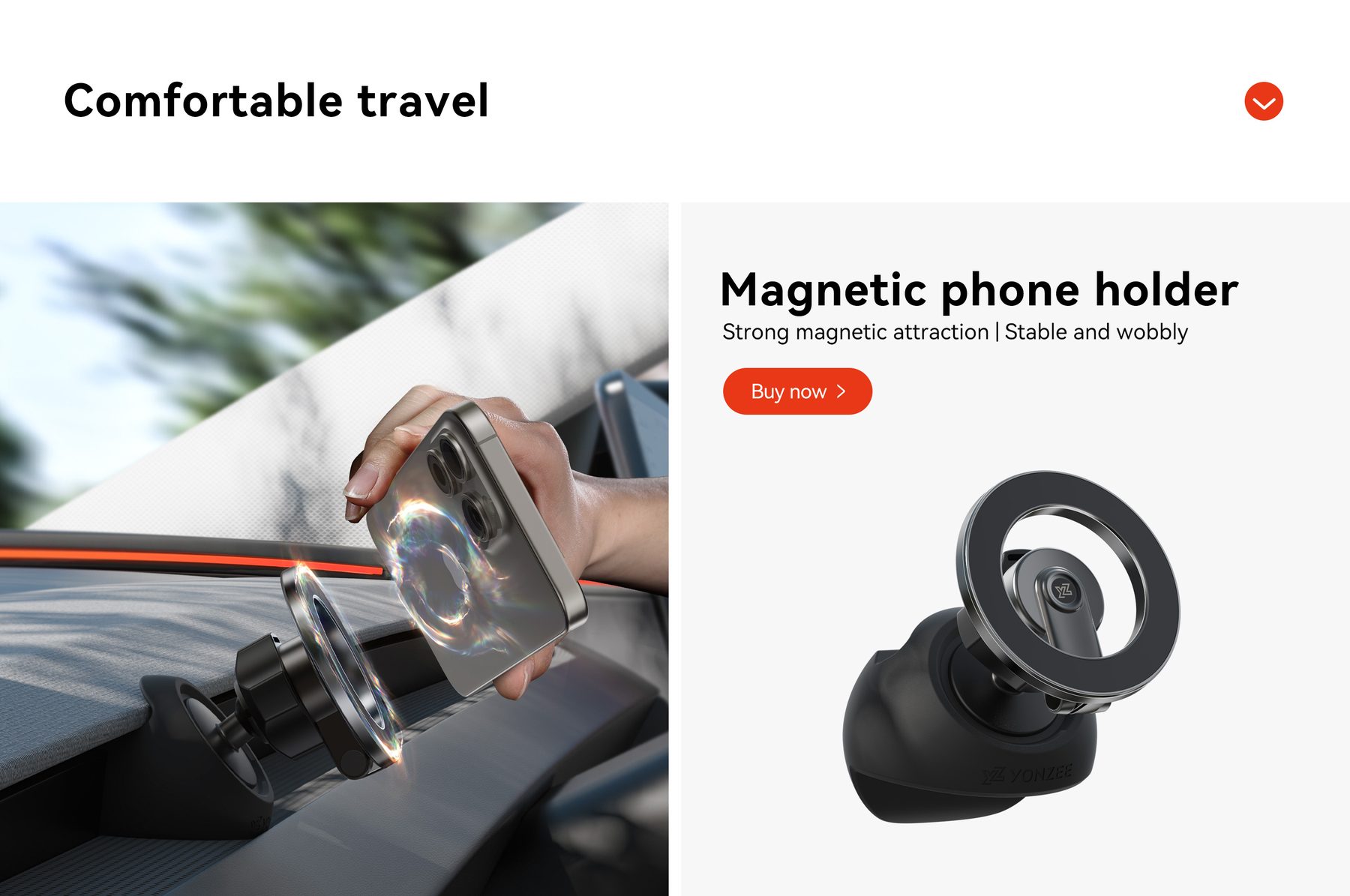
All three hold the phone with magnets, so it goes on and off with one hand.
Magnets and cases
Use a MagSafe phone or a MagSafe-compatible case, or stick the included metal ring to the case. Place the ring above the camera bump so the phone sits flat and does not rattle.
Placement and safety
Keep the phone low and to the side so it never blocks the road or the screen. Set navigation before you drive, and use voice for calls. The mount should feel solid when you tap the phone; if it moves, re-seat it.
Charging
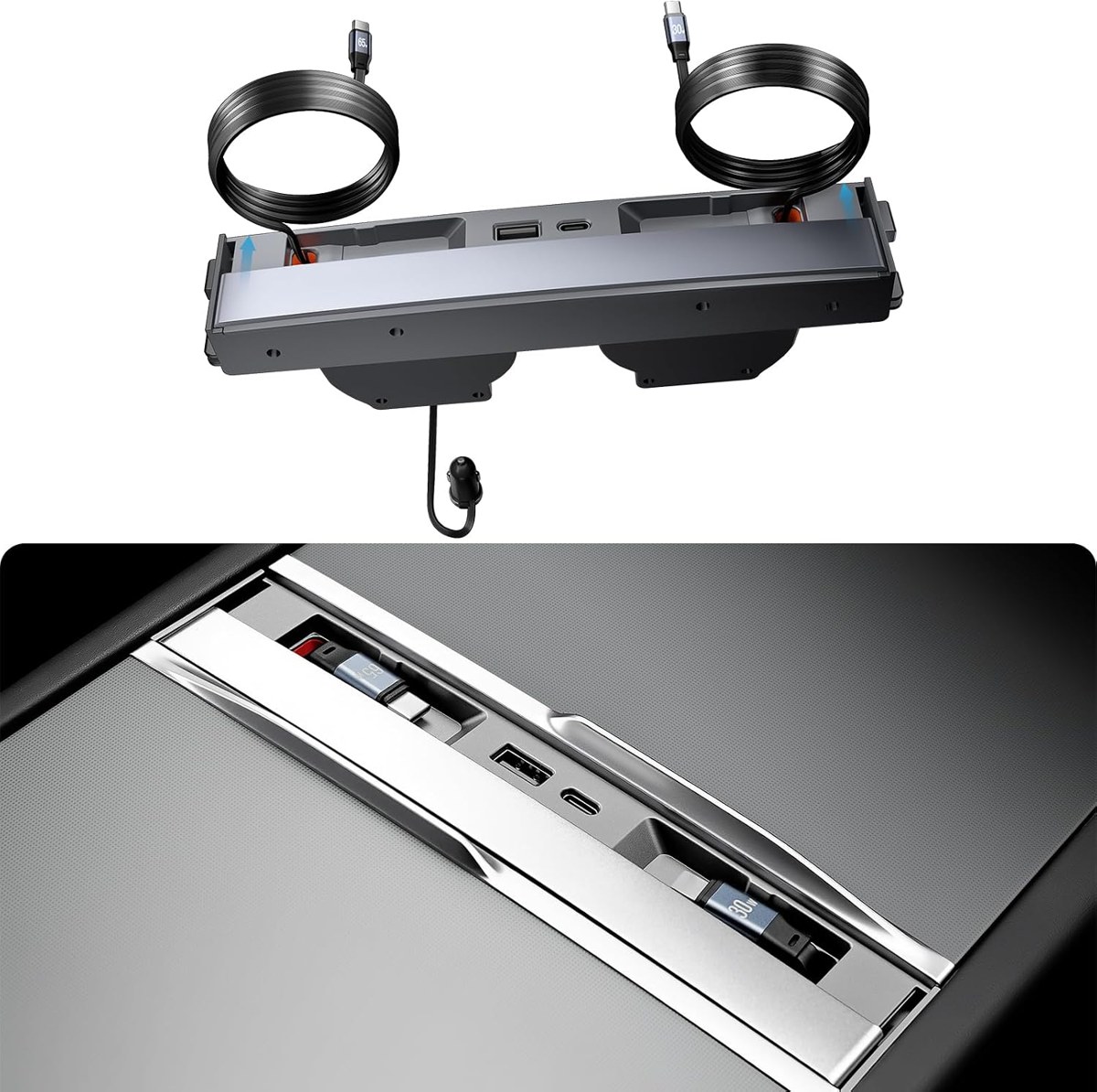
Pair the mount with the 4-in-1 console hub to keep a retractable USB-C cable ready for the phone. The 65W version charges a phone quickly on short trips; the 27W version suits Model Y 2021–2024 and Model 3 2021–2023.
MagSafe car mount or adapter?
A MagSafe car mount works directly with an iPhone 12 or later and with any phone in a MagSafe-compatible case. If your phone or case is not magnetic, use the metal adapter plate supplied with the holder: stick it to the back of the case with its adhesive, centered, and let it set for a few hours before driving. Wireless charging needs a MagSafe wireless charger; a plain magnetic phone holder only holds the phone.
Which Tesla model are you driving?
Each YONZEE phone holder is specifically designed for the dashboard of a Tesla model and year. The dashboard mount suits the Model Y YL (2025–2026) and Model 3 Highland (2024–2026); the screen-edge version also lists Model S, Model X and Cybertruck. Choosing the version that matches your car gives a secure, factory-looking installation with no gaps or rattles.
- Check your model and year before ordering.
- Clean the dashboard surface before fitting.
- Test the magnetic hold with your phone and case on the first drive.